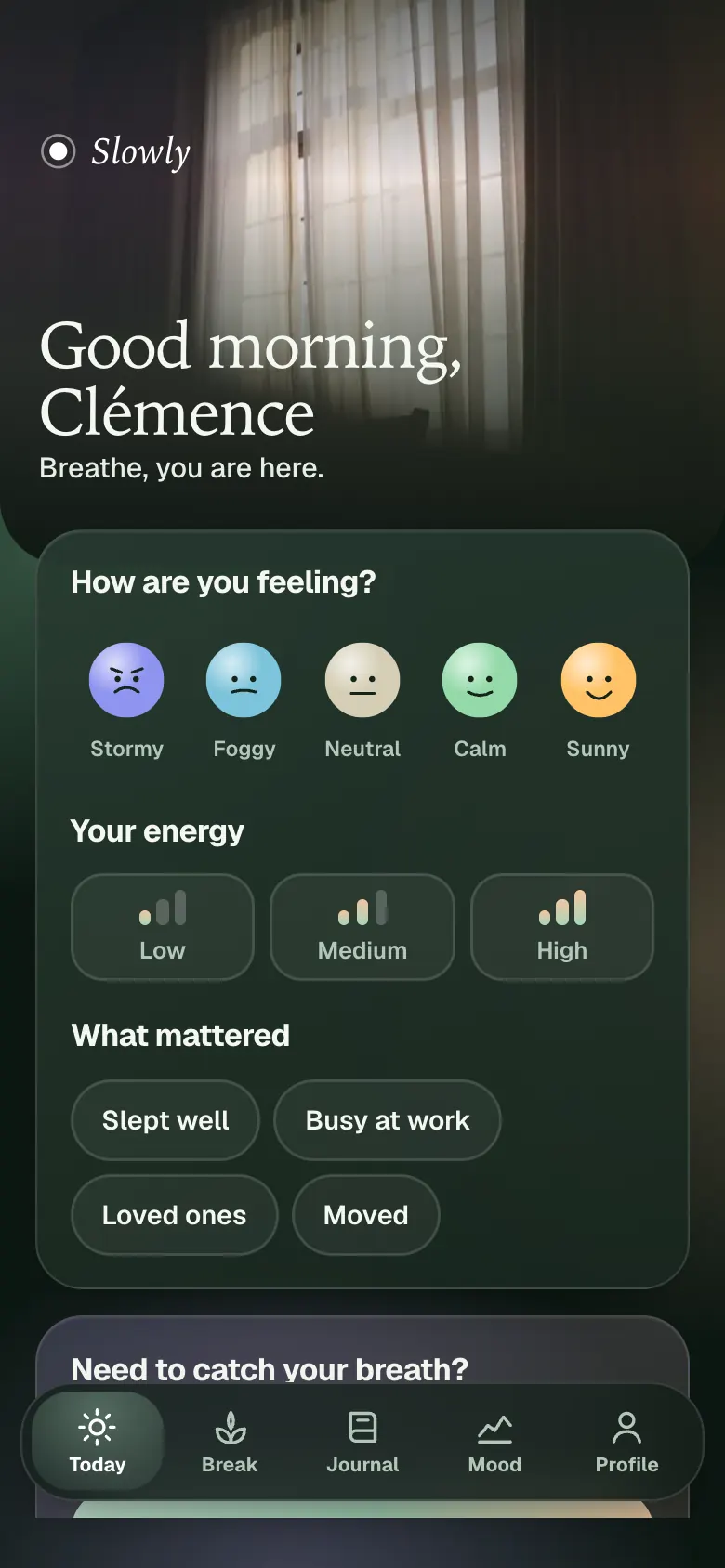
The app’s features, all playable in the demo.
- 01
Mood and energy with tags
A check-in in a few taps: one mood out of five, from Storm to Sun, a low, medium or high energy, and tags like Slept well, Busy work, Loved ones or Moved. The app then suggests a fitting break, which the subscriber opens with one button.
- 02
Breaks by context
Nine guided breaks of 2, 5 or 10 minutes, filtered by context: at the office, stiff neck, before a meeting, after a long day. Each break walks through its steps one by one, with a breathing circle when it needs one.
- 03
2-minute SOS
An SOS button on the home screen starts seven steps in two minutes: feet on the floor, five things seen, four touched, three sounds, two smells, one thing you enjoy, then a four-second breath. The app reminds you it is not a medical tool.
- 04
Anchors
The subscriber attaches a break to a habit: after her coffee, her meeting, her lunch, her commute or when closing the computer. She picks the trigger, the selected break is linked to it, and the list stays visible on the Today screen.
- 05
Trends
A mood and energy chart over 7 or 30 days, a month calendar where each dot takes the color of the day, and the tags of the good days. Break minutes are measured against a weekly goal.
- 06
A sheet for each break
Each break opens on its sheet: what it is for, its steps, how many times it was done. You pick 2, 5 or 10 minutes and the duration of each step is recalculated.
- 07
A journal you can edit
Each page of the journal can be edited or deleted. Word filters bring back older pages.
- 08
Day sheet
Tapping a day in the calendar shows everything that happened: check-in, breaks, journal lines, intention. An empty day can be filled in, a filled day corrected.
- 09
Your choice of backdrop
The photo you pick in your space becomes the backdrop of the break card and of the session.