The 30-day challenge: a format that brings your audience back
A 30-day challenge has a start date, an end date and one mission a day. The app keeps that calendar for your audience, who have nothing to remember. Here is what a challenge contains, how to write it, how to announce it and what to have ready before day 1.

Julien CostaGrowth & Content Strategist, upd. , 4 min
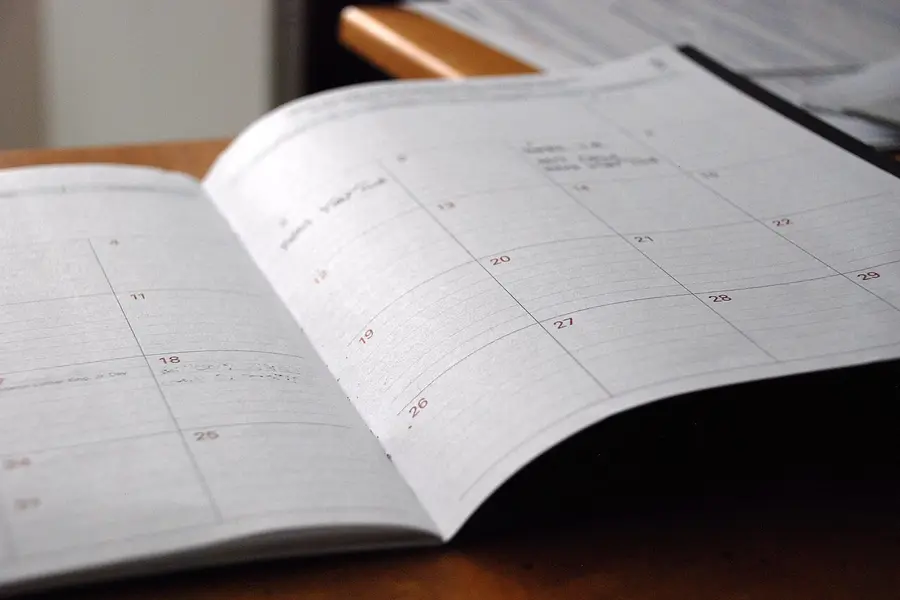

Thirty days and an end date
Thirty days, one goal, one end date. The format fits in a sentence and is easy to tell in a story.
For you, it is short enough to prepare polished content. For your audience, it is long enough to build a habit. Every community reacts in its own way, so nothing is guaranteed.
One mission a day
The home screen shows today’s mission. The person opens the app and knows what to do, with nothing to look for and nothing to choose.
Write short gestures. A mission that takes an hour discourages people around day three. For each one, write a hook line for the morning, an instruction, and a small success note at the end. Keep your tone: it is the one your audience recognizes.
Step it up in week two or three
The first days are very simple. Missions get a bit more demanding around the second or third week. The last week takes stock.
Your words in a ready frame
Our challenge app contains four ready-made challenges. You can also write your own. Either way, the app carries your brand and your words.
Start from the questions your audience already asks you: movement, routine, creativity, well-being. The frame stays the same and only the content changes. The photo challenge app follows the same principle, with a challenge of the day and a self-critique.
If you start from a ready-made challenge, rewrite the missions in your own words before you show anything to anyone.
Journal and before and after markers
In the journal, the person notes their energy for the day and a few words on what got stuck and what worked. The before and after markers show what has changed since day 1. When motivation drops, seeing your own progress helps you hold on.
What the person writes belongs to them. They also choose whether or not to share their before and after in a story. Never show someone else’s without their agreement.
The path
The tracking
A review every week
The weekly review cuts the challenge into four stages. Four weeks is less intimidating than thirty days in one block.
Keep the same three questions every week: what worked, what got stuck, what do I change. For you, this review also gives you content to share or a reason to write to your community.
Someone who dropped off for two days can pick up again at the review instead of giving up.
Gentle movement or photography
Do you share gentle movement routines? The challenge offers one short gesture a day and a review at the end of the week. You always know what to announce in your story each week.
Do you teach photography? One subject a day, a journal to note what was tried, a before and after to compare. The photo app in our demos has a challenge of the day, an exposure simulator and a self-critique.
The right challenge answers what your community is already asking for.
Announcing the challenge
Announce it a few days before the start. Show today’s mission in a screen recording, then come back with a story at each step of the week.
Say clearly that it is your paid app and remind people that the app goes on the home screen in one gesture. The nothing-upfront formula includes 1 post and 4 stories a month: a challenge gives you plenty of material to fill them.
Plan for day thirty-one too. A second challenge, a longer program or the full review gives those who finished somewhere to go next.
Where challenges break
First trap, already met above: the one-hour mission.
Second trap: no follow-up after day 30. Third: promising a result, like a level reached or a grade. Last trap: showing the before and after of a subscriber who did not choose to share it.
Before you announce, do the missions yourself for a few days. You quickly spot the ones that run too long or are badly worded.
The plan before day 1
Pick the theme from the questions your audience asks most often. Write the missions for the first three days, then the ones for each end of week.
Try the challenge demo on your phone to see the mission of the day, the journal and the review for real. Prepare your announcement and your screen recording. Then tell us which challenge you have in mind: we prepare a mockup in your name, and it costs you nothing.
What a challenge does not guarantee
A well-built challenge gives people a frame. It guarantees no number of sign-ups, no revenue and no promise that everyone will reach the end. That depends on your audience, your promotion and the price.
The simulator on the offer page gives an order of magnitude with its assumptions shown: indicative simulation, not a promise. Open it once this week, then go back to writing your first three missions.