Launching your app explained simply.
Formats, money, contract, launch: answers from the FIFTY M team, article after article.

An app for lash artists with lash mapping and client cards
Open Lashéa on your phone. In the middle of the screen, an eye diagram with five vertical bands and lashes drawn along the lid. The rest of the app is organized around this drawing. A lash artist works with a face ten centimeters from her hands, so the screen has to read at a glance. Here is the content, tab by tab.
 Inès Fadmi
Reminders and notifications: staying present without being a nuisance
An app can remind your audience to get back to it: a session, a routine, something new. Well dosed, it helps. Too frequent, it annoys, and the person turns notifications off. I build these apps on the technical side, and the part that matters most to me is the writing and the restraint. Here is how to prepare your reminders before sending one, without promising more than the phone allows.
 Théo Beltrame
A language app with spaced cards and role plays
Videos get watched, stories get lost, yesterday’s words get forgotten. An app can hold the thread: a daily appointment, cards that come back at the right time, dialogues to say out loud. For it to be useful, it needs a reason to be reopened tomorrow. We lean on Babelle, our English demo, and we never promise a learning result.
 Julien Costa

An SOS screen in your app: why and how
An SOS screen is the place in the app where someone describes what is going wrong and leaves with a first fix to try. Some of our apps have one. In support, we know it: when things get stuck is when people most need a clear answer. Here is why this screen belongs in your app, how to write it with your expertise, and where to set a limit.
 Léna Perotta
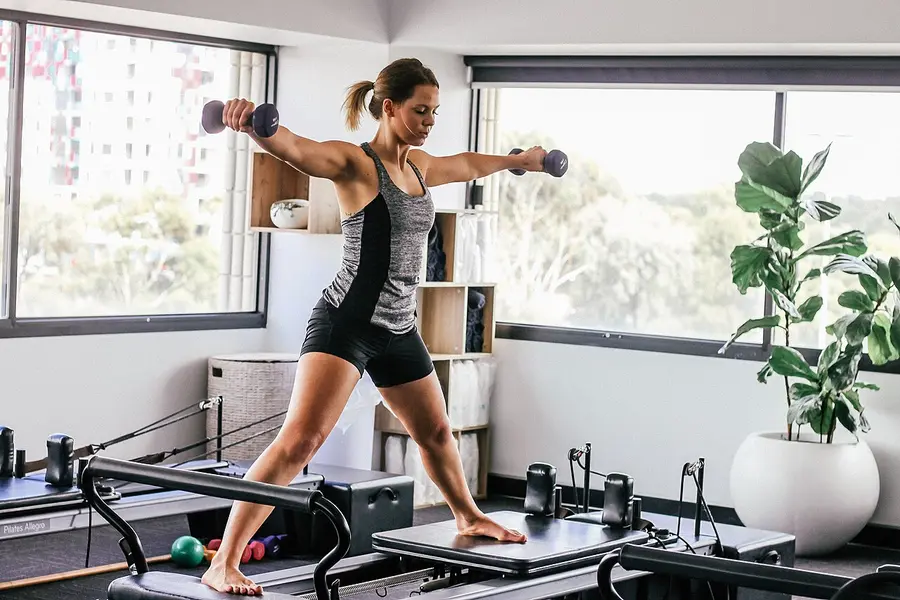
An app for pilates coaches: guided sessions that adapt
A pilates video does not slow down for the one who slept badly, and it does not spare the knees of the person who is in pain. Your subscribers follow you anyway, then ask you the question in a private message. An app in your name can guide each session, offer variants and adjust the pace to their feedback. I open our Studio Maëlys demo with you, one screen after another, and each time I tell you what would come from your method.
 Karim Benali
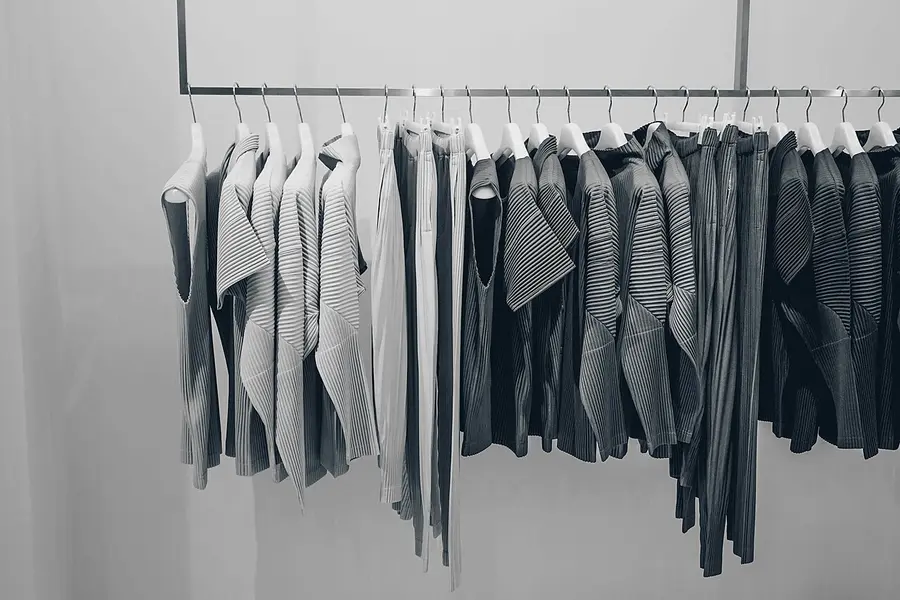
A fashion app with a capsule wardrobe and weekly looks
A Monday, 7:30 a.m., a pile of clothes on the bed and nothing to wear. Your followers know that moment in front of the closet. Look at Maison Cintre, our capsule wardrobe demo: sixteen pieces and five tabs. I will tell you what I would keep on each screen, and why.
Inès Fadmi
Naming your app and choosing its colors
The name of your app is often said before it is read: in a story, on the phone, between friends. Your name, your colors and your way of speaking form what your community opens every day, and they should recognize themselves in it before reading a line. You do not need a naming agency. Here is how to make these choices, with examples from our apps, and in which order to go about it.
 Maxime Roseau
A houseplant app with watering and diagnosis
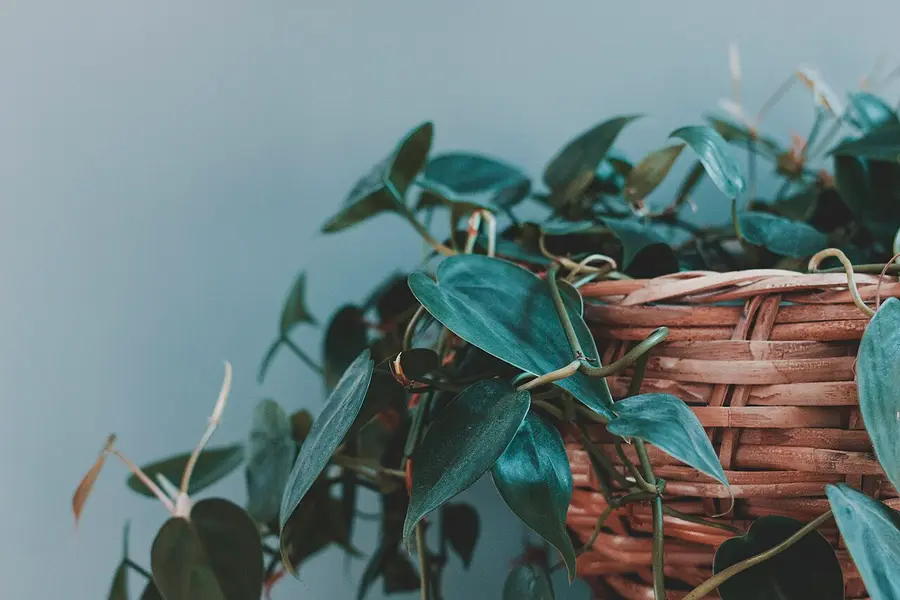
A photo of a yellow leaf, three question marks, and the same question as last week: if you talk about plants, you know the scene. Your audience wants one gesture, right now, for this pot on that windowsill. To describe screen by screen what a plant app can hold, we start from Pousse, a demo you can open on your phone. We also explain how the app gets built around your method.
Inès Fadmi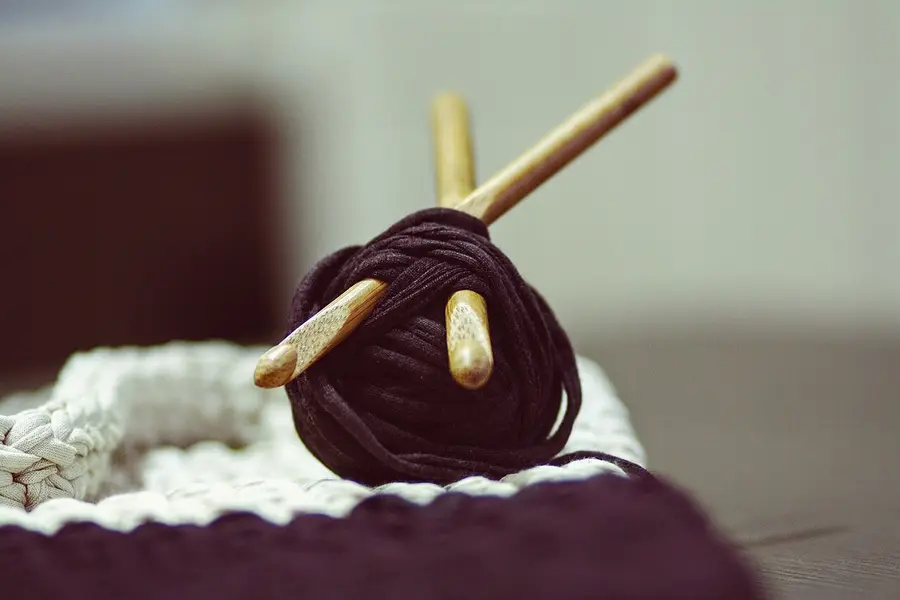
A crochet app with a row counter and patterns
Losing your row in the middle of a project happens to everyone. A doorbell, an episode watched out of the corner of the eye, and you no longer know if you are on the sixth or the seventh. On the support side, this is the kind of slip a screen fixes well. Here is the Fil de Jade demo, our crochet app, in the order you walk through it, with what to check if something sticks.
Léna Perotta
Web app or store app: which format to choose
When people say “app”, they often think App Store and Google Play. There is also the web app, which opens from a link and sits on the home screen. We build both at FIFTY M, and neither is “the real app”. Here is what each format changes for you and for the people who follow you, with no promise of results.
Théo Beltrame
A dog training app with a daily program and an ABC journal
I handle support at FIFTY M, so I look at each screen asking what happens when the person has a puppy in front of them, a treat in hand, and things don’t go as planned. Here is what our Pattes Sages demo contains, in the order you discover it. The app says what to do today, counts the clicks and keeps the progress.
Léna Perotta
Five signs your niche is ready for an app
You are probably wondering whether your niche fits. Your follower count does not answer that. What you already do for your community, and could move into an app, does. Here are five signs, with examples from our beauty, sport and creative-hobby apps. Take them as questions to ask yourself, nothing more.
Karim Benali